Artwork Studio
Finished posters, with your own photos
Your campaign wording, logo and colours drop straight into a print-ready design. Add a workplace photo, or go with a bold type-led layout.
Create your first campaign freeStart with a campaign, then open it in Artwork Studio.
Northfield WorksSafety
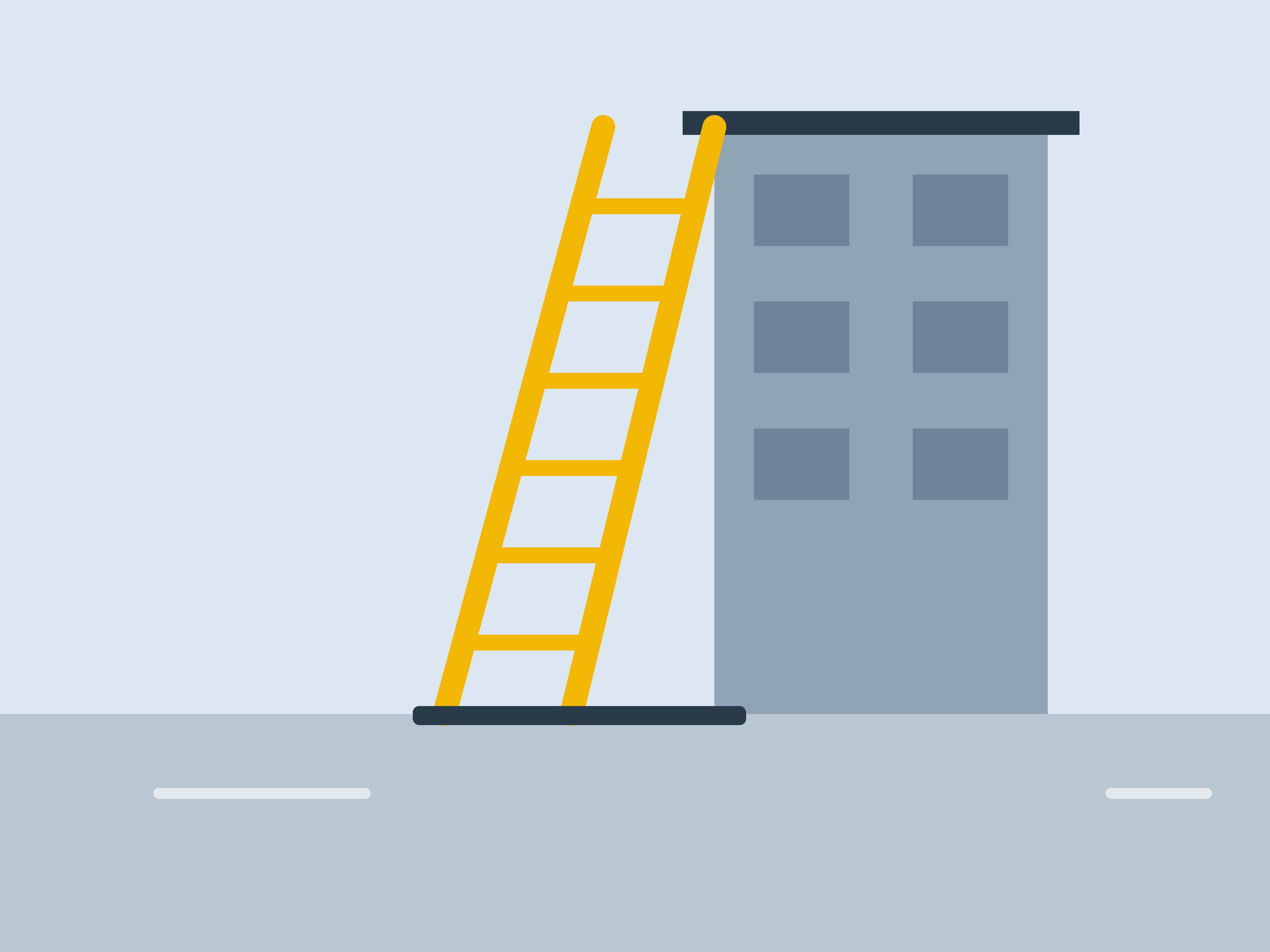 Your photo
Every metre matters
Inspect your harness. Check your anchor. Never work at height alone.
Stop. Think. Then act.How it works
- 1
Open from a campaign
Wording, language, colours and logo fill in automatically from the saved campaign.
- 2
Add your photo
Upload a JPG, PNG or WebP from phone or desktop, then crop, zoom and reposition it — or choose no image.
- 3
Download
Export A4, A3, screen and square formats. Text that won't fit is flagged before you download.
What you get
- Three designs in A4, A3, screen and square
- Your logo and brand colours applied
- Photos kept private to your organisation
- Readable text checks before every export
Good to know
- Artwork Studio doesn't generate AI images — it uses your photos or a no-image design.
- Existing campaign wording is reused as-is, not rewritten.